
Hotel check-in, from your phone.
Check in to your stay from your phone. Review your reservation, add your details, settle your payment and share your identity document, all from one secure link.
This site is running in demo mode: sample bookings and simulated payments.
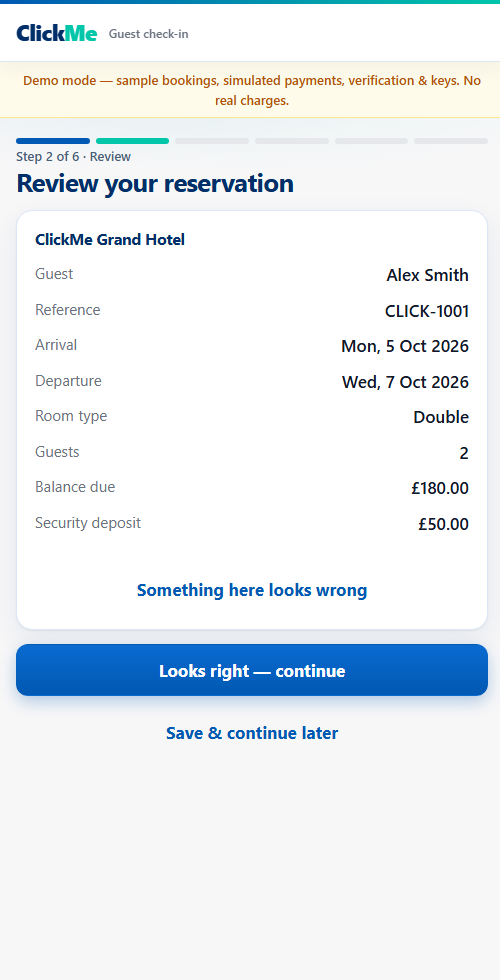
From link to room, on your phone
Each step is one screen at a time, and you can save and continue later.
Open your link
Use the secure link from your hotel, or find your booking with your reference.
Review and confirm
Check your reservation, add your details and read the hotel's check-in information.
Pay and verify
Settle your room balance and security deposit, and add an identity document.
Get your room
Your room details appear here once the hotel has your room ready.
One place for every arrival
Hotel staff see each guest's progress and can step in whenever a guest needs a hand.
Hotel staff — open dashboard- Review each guest's details and payments
- Assign rooms and set a room-ready time
- Approve identity checks that need a person
- Keep a history of every change
Try the demo
This site is running in demo mode with sample bookings. Pick a guest to try the check-in flow, or open the staff dashboard (passcodes are shown there).